For many years, security concerns have been the primary reason businesses hesitated to adopt cloud services. However, a recent survey of 200 IT security professionals revealed that, despite ongoing security concerns, only 35% of respondents believe that cloud-based systems are less secure than their on-premise systems.
Meanwhile, the remaining 64.9% believe that cloud systems are either more secure or at least as secure as on-premise environments. Much of this confidence stems from the efforts of leading cloud service platforms such as Salesforce, which provide comprehensive data protection and powerful, enterprise-grade security features tailored to the needs of each organization.
There are 17 best practices recommended by security experts to help organizations fully leverage Salesforce’s security capabilities. Before exploring these practices, let’s take a closer look at how Salesforce CRM delivers exceptional security and compliance benefits for users.
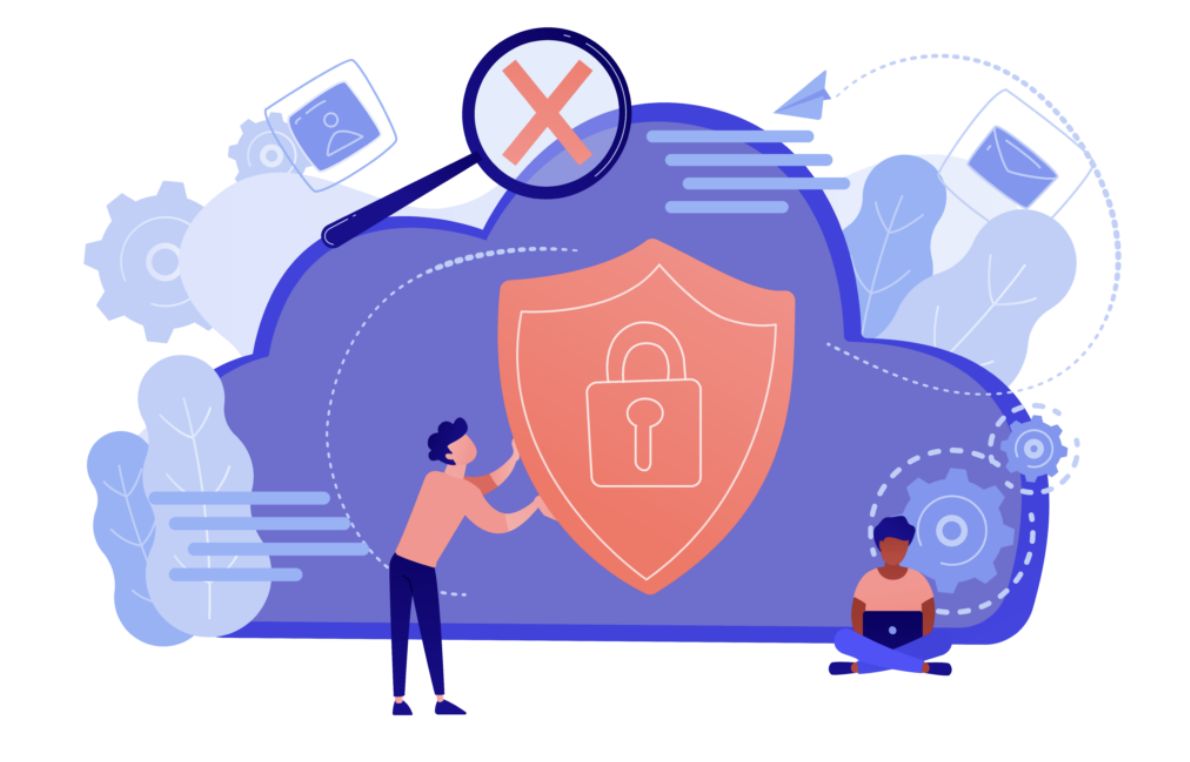
Overview of Salesforce Security
1. Salesforce Trust
Salesforce Trust is a dedicated website for Salesforce customers that provides high-level visibility into security-related issues that may impact users. It is where customers can find information about phishing attacks, malware incidents, and the mitigation steps recommended by Salesforce to help reduce security risks.
To date, the most recent malware known to have affected Salesforce users is Vawtrak. Vawtrak steals Salesforce user credentials and then attempts unauthorized logins in order to access and exfiltrate data stored within the system.
2. Salesforce and Compliance
Salesforce operates under a robust data privacy and security compliance model. For regulated data such as Protected Health Information (PHI) and Personally Identifiable Information (PII), Salesforce acts as a data processor. This means Salesforce is responsible for implementing appropriate security controls, while customers are responsible for the integrity, quality, usage, and classification of the data stored in the system.
Salesforce complies with numerous rigorous compliance standards and certifications, including:
- ISO 27001 / ISO 27018
- SOC 2
- SOC 3
- PCI DSS
- Safe Harbor
- Salesforce Government Cloud, including Force.com, Sales Cloud, Service Cloud, Analytics Cloud, and Chatter
In general, Salesforce contracts include provisions that prohibit Salesforce from accessing customer accounts or disclosing customer data stored on the platform. Certain exceptions apply, such as when Salesforce performs technical updates to resolve service disruptions or when disclosure is required by law enforcement authorities.
3. Multi-Tenant Platform
Salesforce operates as a multi-tenant platform, meaning a single cloud infrastructure is used to serve multiple customers. This architecture may raise security concerns about one customer accidentally accessing another customer’s data. Salesforce addresses this by assigning each organization a unique identifier, which is then associated with every user within that company, ensuring strict data isolation.
4. Salesforce Health Check
One of the most valuable security tools available to Salesforce users is Salesforce Health Check. This feature enforces enhanced security settings beyond Salesforce’s default recommendations, including:
- Minimum password length (Salesforce recommends at least 8 characters)
- Maximum number of invalid login attempts (Salesforce recommends 3)
- Forced logout upon session timeout (recommended to be enabled)
- Forced re-login when an administrator logs in as another user (recommended to be enabled)
Built-in Salesforce Security Features
Salesforce administrators have multiple tools to protect data from both internal and external threats through auditing and access controls.
Salesforce tracks all login activity for the past six months, including login locations and IP addresses. Administrators can also enable login history tracking to view detailed records of changes and the users who made them.
Salesforce provides a robust access control and identity verification framework, including:
- Two-factor authentication (2FA)
- Customizable login flows
- Role-based and position-based access control
- Platform encryption
17 Best Practices to Maximize Salesforce Security
Salesforce offers a wide range of security features, but fully leveraging them depends on how each organization implements and manages these capabilities. Below are 17 best practices recommended by security experts:
- Enable IP restrictions for user logins to reduce the risk of unauthorized access if credentials are compromised.
- Enable multi-factor authentication for all users to minimize unauthorized access risks.
- Configure organization-wide sharing rules as restrictively as possible while still supporting normal business operations.
- Enforce strong password policies requiring uppercase letters, lowercase letters, numbers, symbols, and a minimum of 8 characters.
- Limit the maximum number of failed login attempts to between 3 and 5.
- Enable masked security answers for password resets.
- Force re-login when user sessions expire.
- Keep session timeout periods as short as possible without negatively impacting user experience.
- Disable caching and auto-complete on the login page.
- Set user passwords to expire within 90 days of creation.
- Enforce password history so similar passwords cannot be reused until at least five new passwords have been created.
- Prevent passwords from containing the word “password.”
- If platform encryption is enabled, rotate encryption keys regularly.
- When retiring an encryption key, ensure all previously encrypted data is fully decrypted first.
- Re-encrypt data using the latest encryption key if older keys are still in use, even if those keys remain stored securely.
- Enable clickjack protection for customer Visualforce pages.
- Ensure all devices accessing Salesforce are running the latest browser versions, anti-malware software, and operating systems.
Are you still wondering whether a cloud-based CRM system can be both secure and highly valuable for your business?
Contact OMN1 Solution today for expert consultation and guidance.